Calculators built by Hewlett-Packard |
 Calculators built by Texas Instruments |
 |
Calculators built by other manufacturers |
Mechanical Calculators | EduCALC Calculators |
|
|
|
|
|
|
|
I collect early nixie tube, electro-flourescent, LED and
scientific calculators from nearly any manufacturer.
I'm particularly interested in any calculator or computer made
by Hewlett-Packard before 1985.
Even though I'm interested in almost any old calculator, there are some models that I'm specifically looking for. These include:
I'm also looking for maintenance and repair information, especially Service Manuals, for the following machines:
Although I'm mostly interested in electronic models, I would also like to find a Curta type 1 or type 2 mechanical calculator.
|
|
|
|
Probably the most common question I'm asked is,
'I have this calculator, what is it worth?'
That's not always an easy question to answer. It depends on a number
of factors, including:
Here is some further information about calculators that are commonly requested:
|
|
The following table of calculators that use Reverse Polish Notation is taken from the February 1978 issue of
Ham Radio magazine.
|
I'd also like to find copies of various Hewlett-Packard publications, including any issues of Personal Calculator Digest and Key Notes. Publications from calculator "clubs" are also of interest, including PPC Calculator Journal. |
|
I came across a CT5002 calculator chip and have started to
collect information about it, which you can see
here. I've also managed to find
a few other early calculator chips:
|
|
TI awarded Japanese patent for miniature calculator
In August 1978, over the objections of several Japanese calculator companies, the Japanese Patent Office issued a patent to Texas Instruments covering the manufacture of practically all minicalculators incorporating their circuitry in a single IC. The Japanese patent is based on U.S. patent 3,819,921 originally filed in 1967 and granted TI in 1974. The calculator described in the 1967 patent was the first to provide the compu- tational capability of larger machines. The heart of the TI minicalculator was an integrated circuit that performed four basic arithmetic functions. It measured 4 1/4 X 6 1/2 X 1 3/4 inches, and featured a small 18-pushbutton keyboard and a thermal printer to display up to 12 digits. Nineteen other countries to date have Issued patents to TI for manufacturing minicalculators. |
|
Thinking Computers? Think Small,
Radio-Electronics magazine, May 1967
An Electronic Desk Calculator You Can Build, Popular Electronics magazine, November 1971 Calculator Developments at the end of 1974, IEEE Spectrum magazine, April 1975 RPN Calculators in 1975, IEEE Spectrum magazine, April 1975
|
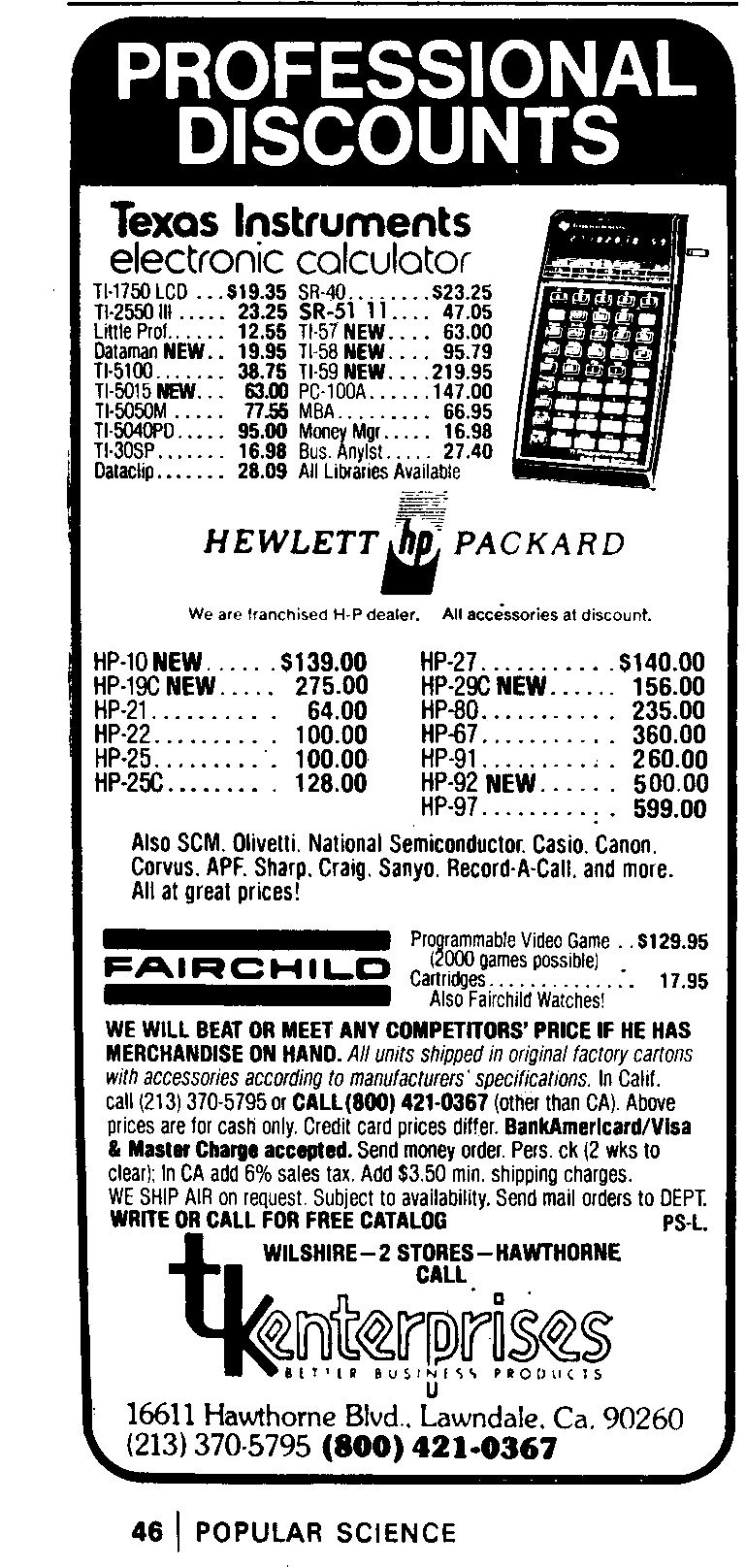 It's interesting to see how prices have changed on these
calculators. To the right is an advertisement that ran in
the magazine Popular Science in late 1977 (click on the
ad to see a full-size version).
It's interesting to see how prices have changed on these
calculators. To the right is an advertisement that ran in
the magazine Popular Science in late 1977 (click on the
ad to see a full-size version).
Also interesting (to me, at least) are the calculators that "didn't make it." There were a lot of unusual designs from manufacturers that faded from view.
|
[From the July 1975 issue of Radio-Electronics magazine:]
Worldwide calculator production totaled about 34 million units in 1974 and it will rise to more than 92 million in 1978, according to forecasts by Coleman & Co., a New York broker. Coleman predicts that the average factory price of all calculators will decline by 1978 from today's $36.56 to $22.39. Hand-held consumer calculators now average $26.12 at the factory and will drop to $11.40 in the same period. |
|
I have a number of calculators that need some type of repair to get
them back into operating condition. Many handheld machines
are in the repair pile because the former owner failed to remove
the batteries, leading to corrosion on battery terminals.
A list of machines needing repair and a brief summary of the problem(s) is available here. I have documented the disassembly of an HP-11C here. |
| Along the way I've managed to acquire duplicates of many models. In general I am open to trades and/or sales of these units. |
Click here for the main page.
Click here for the wanted page.
Last updated May 25, 2020
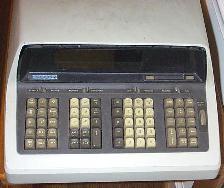
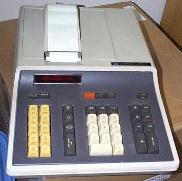 To the left is an HP-46, the
desktop version of the HP-45, HP's second handheld scientific
calculator (the HP-35 was the first handheld). The LED display
on the HP-46 was an optional feature.
To the left is an HP-46, the
desktop version of the HP-45, HP's second handheld scientific
calculator (the HP-35 was the first handheld). The LED display
on the HP-46 was an optional feature.
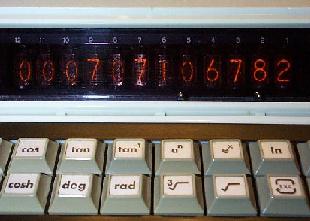 The photo to the left is from a Remington 1259S, which is
internally identical to the Casio FX-1. The display is made
up of nixie tubes, where each digit is represented by a
shaped wire inside a sealed glass tube. I have more information
about nixie tubes
The photo to the left is from a Remington 1259S, which is
internally identical to the Casio FX-1. The display is made
up of nixie tubes, where each digit is represented by a
shaped wire inside a sealed glass tube. I have more information
about nixie tubes 
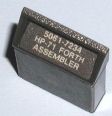 I'd also like to find some specific accessories for
the HP-71B handheld calculator/computer:
I'd also like to find some specific accessories for
the HP-71B handheld calculator/computer:
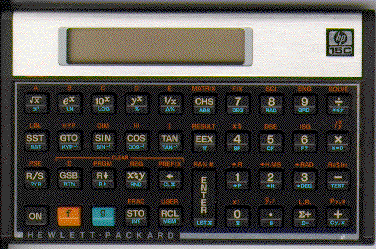
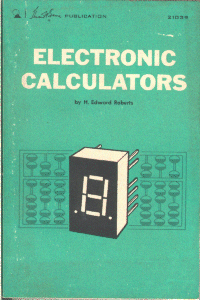 I'm also building up a collection of books, manuals, and pamphlets
related to calculators from the 1970's and 1980's.
I'm also building up a collection of books, manuals, and pamphlets
related to calculators from the 1970's and 1980's.